
Plugins
CD Cart Recalc
Brings the shipping calculator and the cart total back to a cart built with a page builder, without printing a second cart.
- Version
- 1.1.3
- WordPress · PHP
- Works with WordPress 5.8 or later and PHP 7.4 or later.
The problem it fixes
In WooCommerce 11.2 the shipping calculator’s “Update” button is answered inside the [woocommerce_cart] shortcode. If your cart page is built with Bricks or Elementor, the button is there, you press it, and nothing answers: the address is never saved and the shipping cost never changes.
On a reload, the summary charges shipping but shows no row to explain it, because the shipping packages are only rebuilt inside that shortcode.
The usual workaround — printing the shortcode somewhere hidden so it does the work — puts one whole extra cart in the markup, and WooCommerce’s cart AJAX duplicates it on every submit: 2, 4, 8, 16 forms.
What it does exactly
- Answers that POST itself and rebuilds the shipping row at the exact moment the shortcode would have, reusing WooCommerce’s own function.
- Prints nothing at all: no markup, no second cart, no CSS. Every other shortcode’s output is handed back untouched.
- Leaves the builder’s calculator and summary working: the address is saved, the cost sticks and the total moves.
- One switch turns it off completely.
- It writes no product, order, coupon, shipping rate or setting of your store.
How it looks
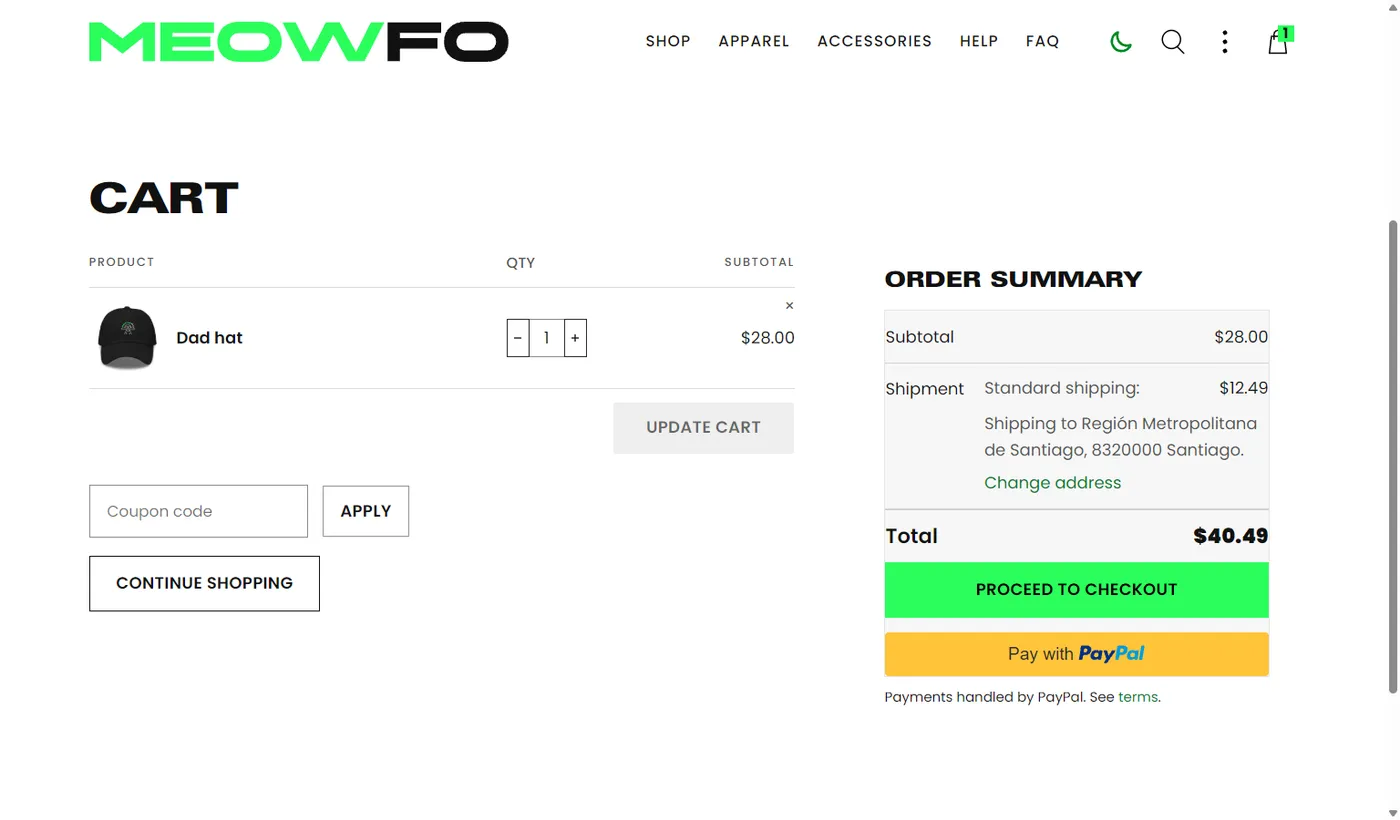
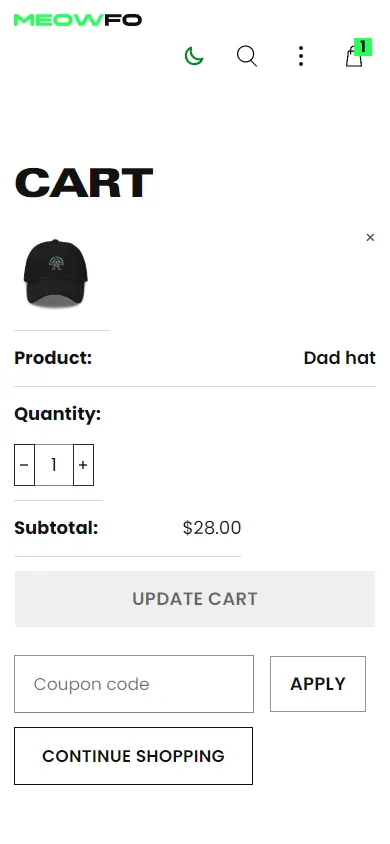
Install and activate the licence
-
Upload the plugin
In the WordPress dashboard: Plugins → Add New → Upload Plugin. Pick the ZIP you received, install it and activate it.
-
Paste your key
Open the plugin’s “Licence” tab and paste the key that arrived by email. The settings screens stay open without a licence, precisely so you can paste it.
-
Press “Activate”
The plugin checks the key against the server and shows you the expiry date and the domain it is tied to. From that moment it works.
The licence is yearly and per domain
Twelve months from issue, one domain at a time. If you move to a new site, release the domain in your panel and paste the same key on the new one: the expiry date does not change. Development domains (localhost, *.local, *.test, *.ddev.site and similar) validate without using up the activation, so you can test without tying the key.
Price and renewal
Yearly subscription, 12 months
€69
Renewing adds twelve months to the expiry date you already have, and you do it yourself from the panel: there is no automatic charge. You get an email reminder first.
Already have it? Go to the panel and renew from there.
The pack
Or all eleven in the pack
The full pack carries this plugin and the other ten for 20% less than the sum of the individual prices. Each one with its own key.
20% off the sum of all eleven bought separately.
See the pack →Plugins
Frequently asked questions
Can I move it to another site?
Yes. Release the domain in your panel and paste the same key on the new site. The expiry date does not restart: you keep the time it had left, and if you get it wrong you can release it again and go back.
What happens if I do not renew?
The plugin stops doing its job, but nothing breaks: the site keeps running, your settings are still saved, and a notice with the renewal link appears in the WordPress dashboard. The day you renew, it works again.
How many domains can I have?
One per licence. If you want the same plugin on two sites you need two licences; the pack also gives one key per plugin, not one key for everything.
Can I try it first?
There is no trial version and no free period. Before you buy, this page tells you what it does and what it does not; if you still have a specific question, write to [email protected] and we will answer it, no strings attached.
Plugins
The other plugins
If this one helps, take a look at the rest: they were built for the same kind of site and they work well together.